Save any project as a template
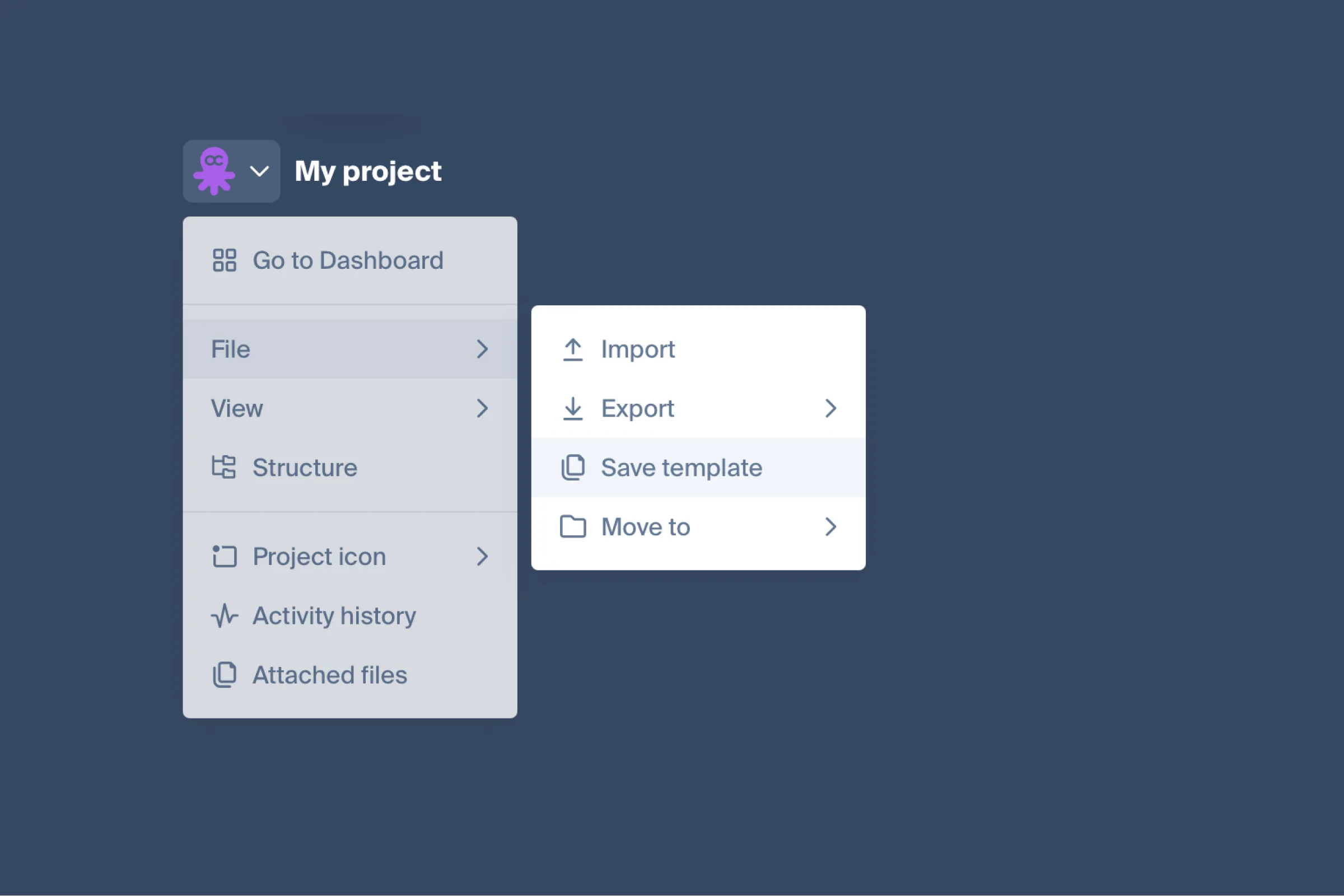
One project becomes the start of the next
Open File → Save template and the project becomes a template you can start the next one from. Templates have their own section in the dashboard: My templates on top, the Octopus Gallery below. Use template turns one into a new project, with the whole structure and its content.
On a team plan the template belongs to the team, so every member can start from it; on Pro it stays in your own workspace. Templates are part of every paid plan.
An import that reads the page
Crawling a site no longer leaves you with empty pages. Octopus infers content blocks and wireframes from the markup it finds, and AI can fill those blocks with the text that was on the page. A crawl can also go into a project you already have open, instead of always starting a new one.
Getting around big sitemaps
- Structure sidebar — the whole page tree in one panel, with search and jump to a page.
- Pinned sitemaps — keep the projects you open daily at the top of the dashboard.
- Zoom and pan stay smooth on maps of 500–1000 pages, Safari included.
Smaller things
- Generate with AI inside an open project adds a new section instead of a new project.
- Sticky notes have a text size.
- Someone commenting through a share link can put their name to it.
- Filtering by Page Tags hides the pages that don’t match.
- Colors survive a project import.
- Esc closes one layer of the interface at a time.
- Switching between sitemap and SEO mode keeps zoom and position.
- The email about a reply in a thread carries the text of the comment.
- Duplicating a project no longer takes the original’s preview image.
For anything built on the API
Comments and threads are now part of the public REST API and the MCP server: read a thread, post a comment, resolve it — with markdown content and the author’s name and avatar. Project estimates are open to agents too.