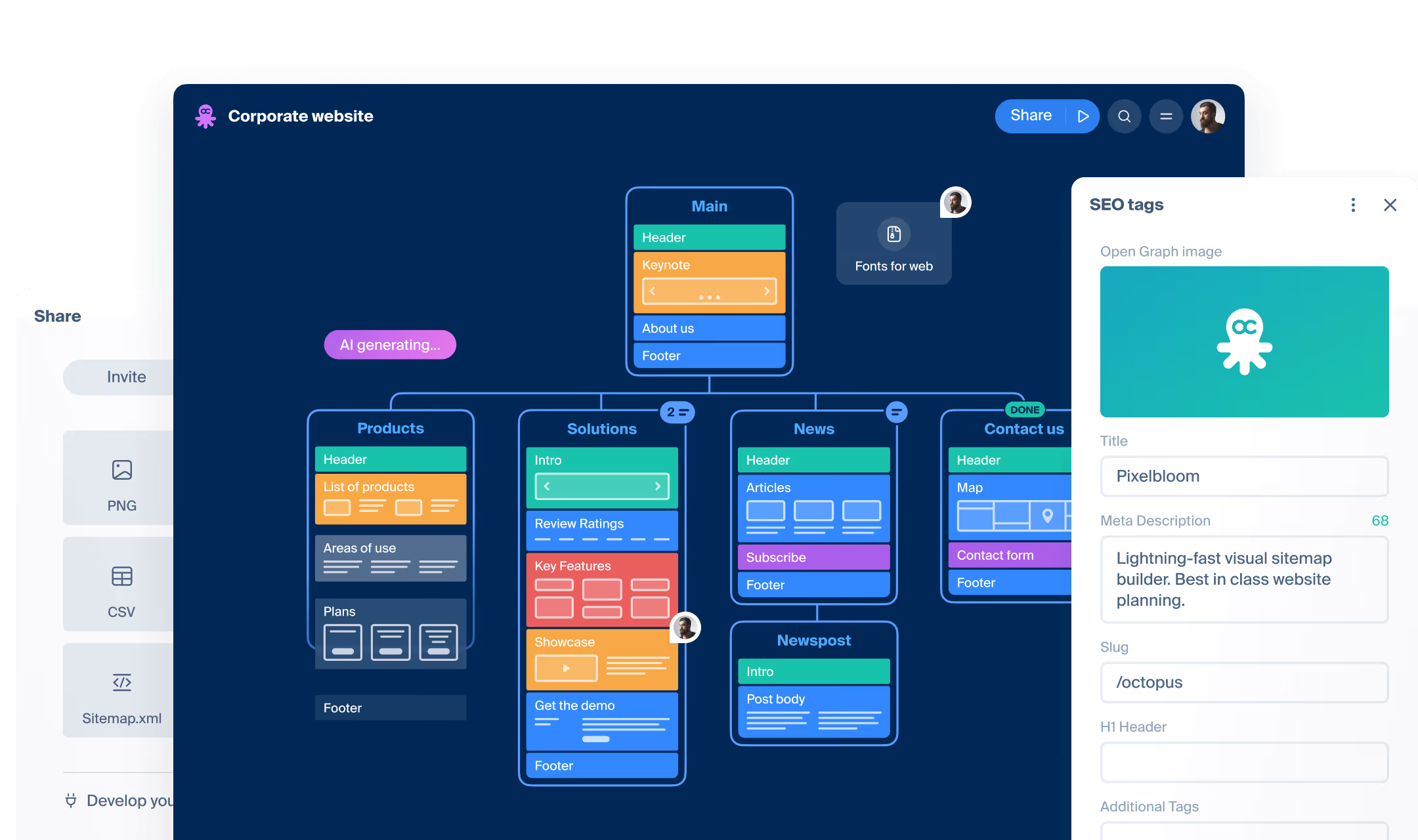
Community
Trusted by product builders, SEOs, content writers, and more
2600+ professionals making their everyday work easy. Care to try too?
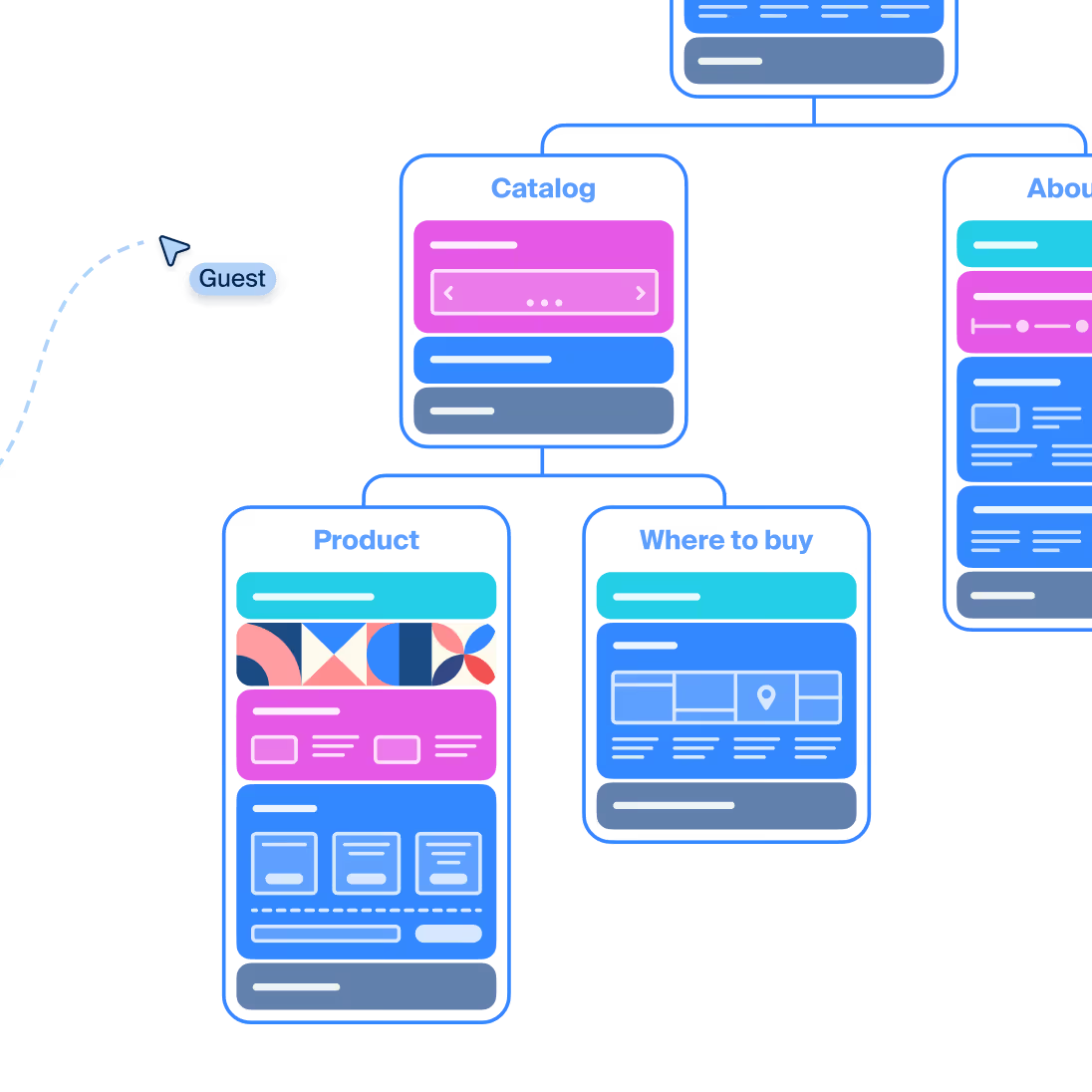
Design
From pen & paper to digital prototyping
Visual structure with blocks is ideal for website planning.
Explore more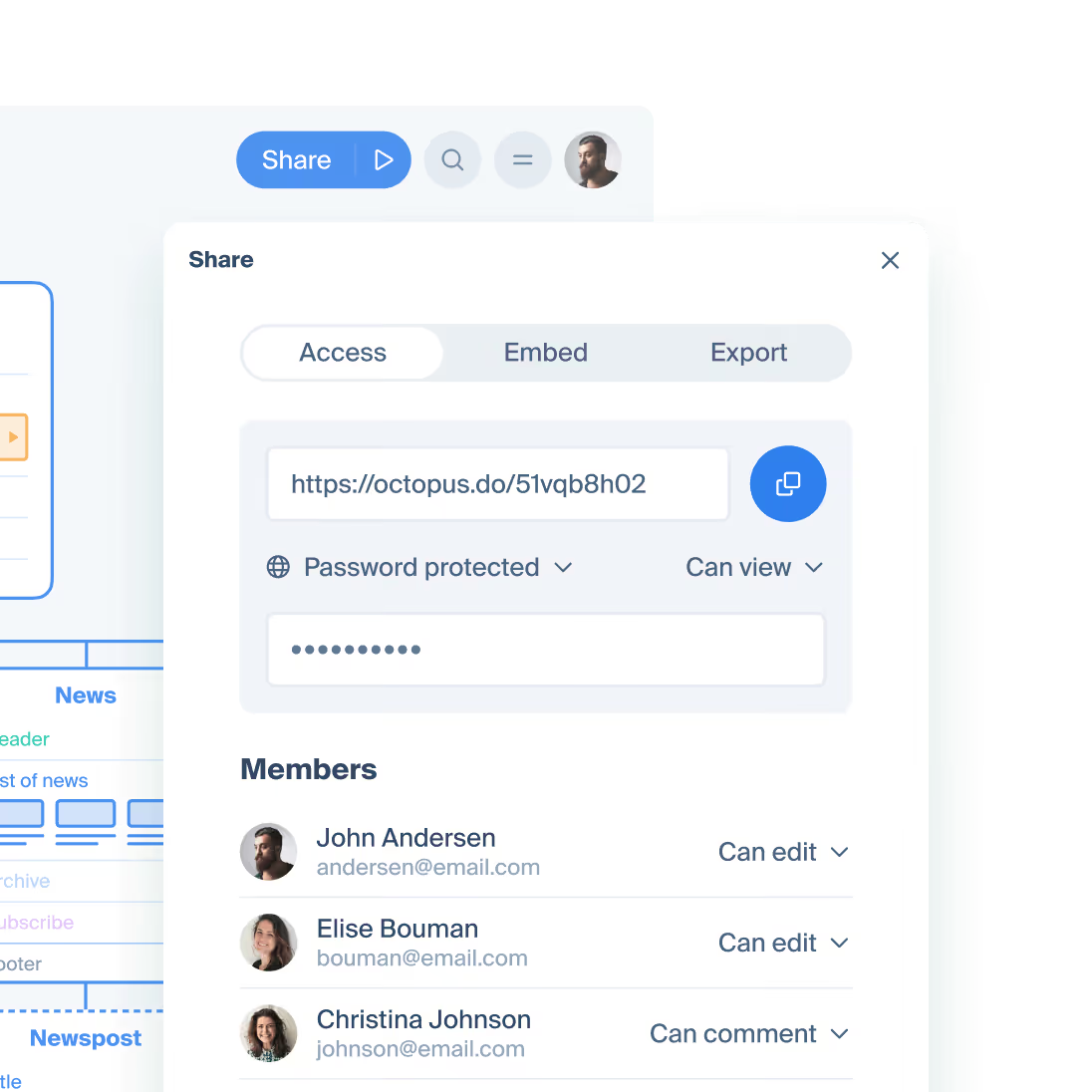
Export
From PPT slides to one-click sharing
Send them a link to Octopus, perfectly designed for presentation.
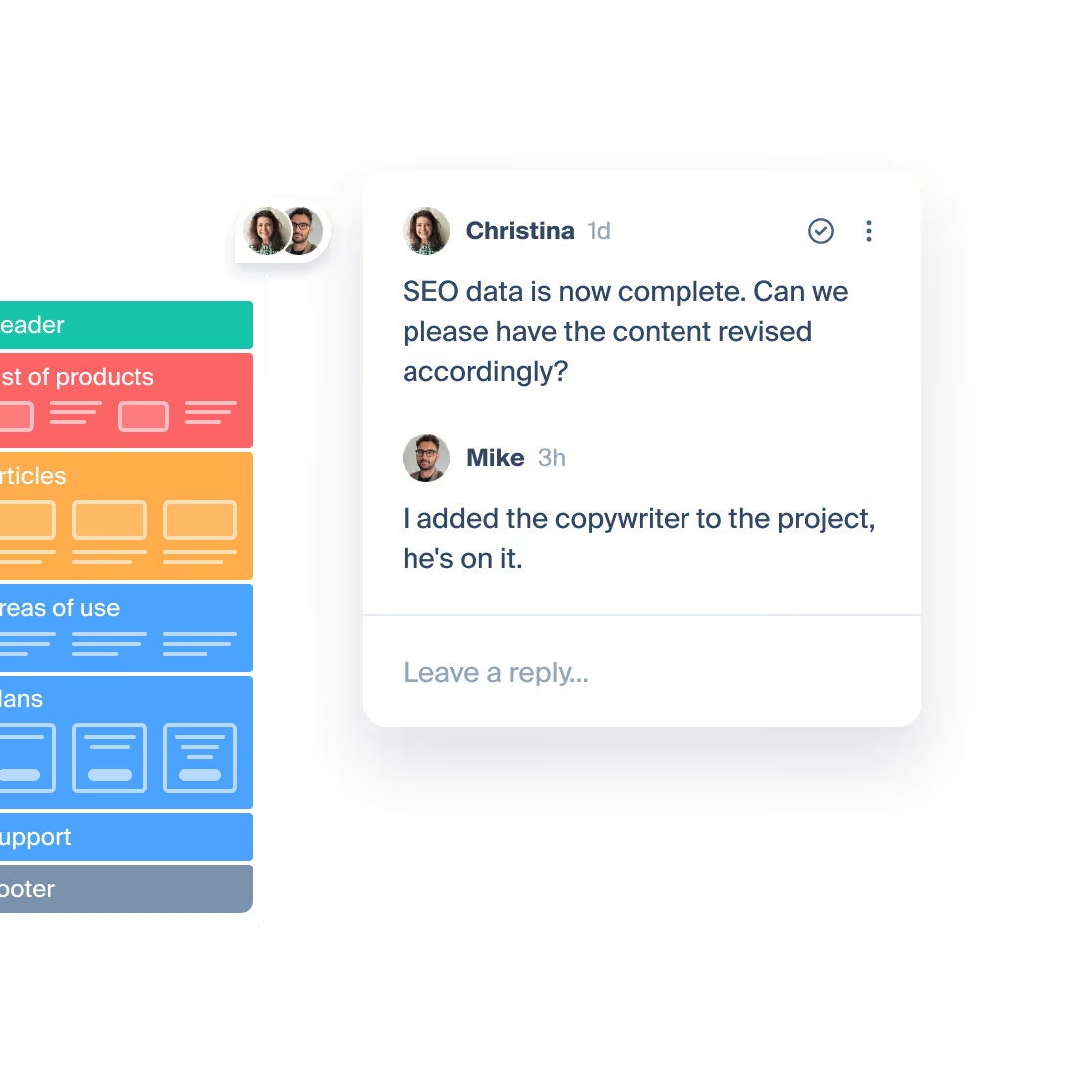
Collaboration
Collect feedback from clients in a single place
Brainstorm, get approvals, or leave comments right in the project.
Octopus was born in a web design agency which wasn't satisfied with the tools available, but knew exactly what would make this tool indespensible in expert website structure prototyping.
EXPORT
Plays well with the tools
you already use
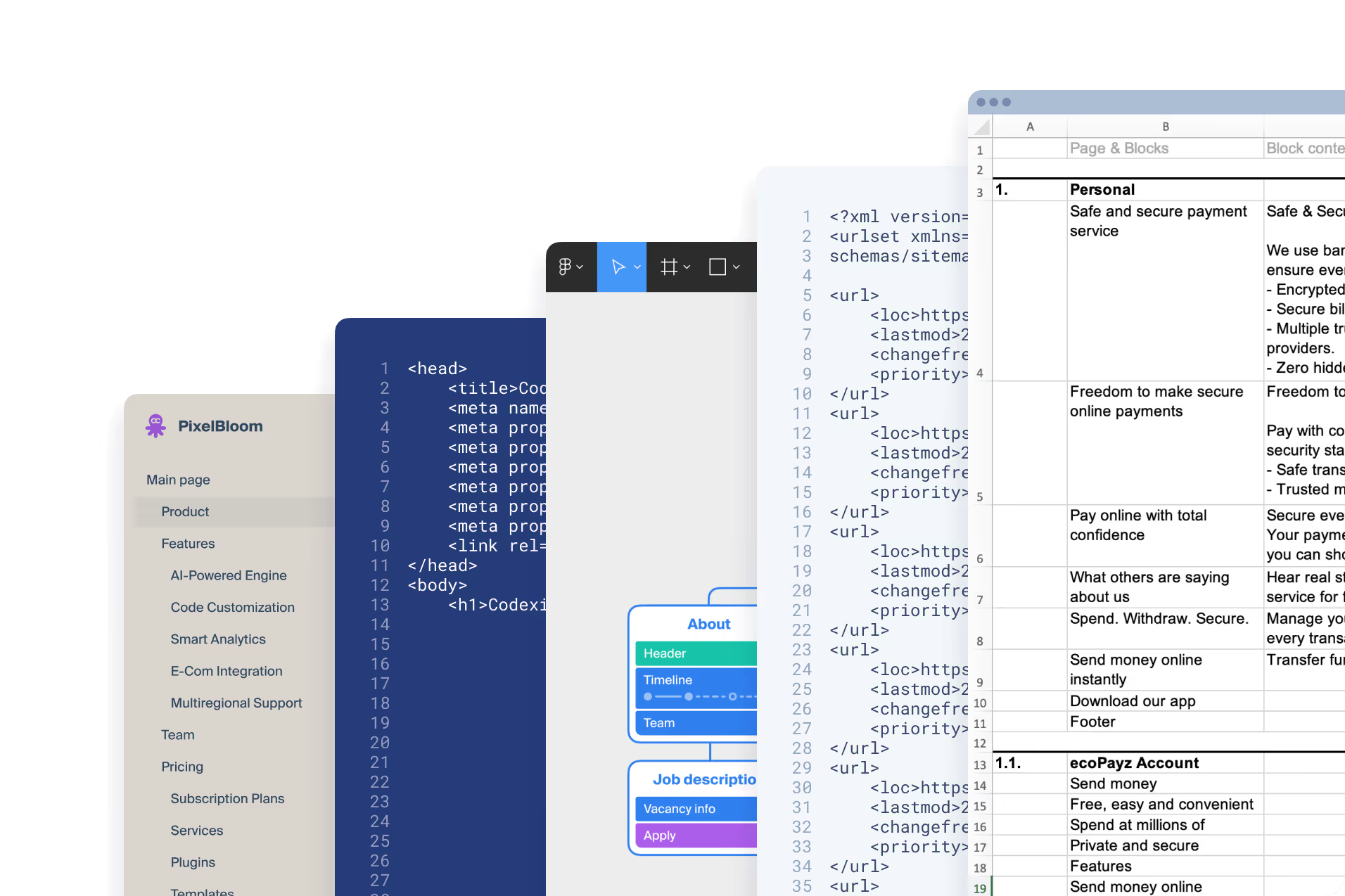
Export to Figma and WordPress, embed on your website or blog, or sync with your pipeline through various export file options.
Key features for professionals
Lo-fi wireframing
Full library of wireframes & styling options - brand your projects to stand out.
Content planning
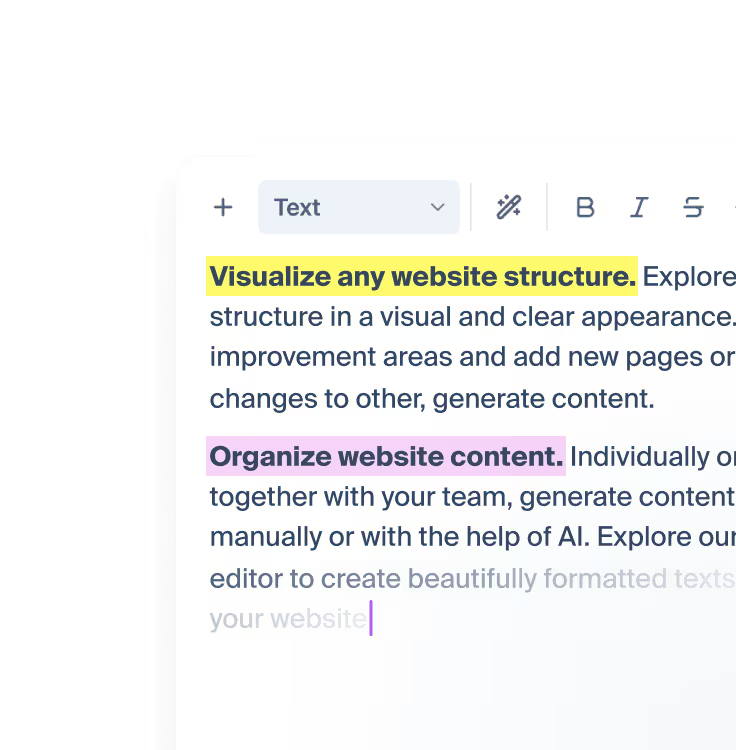
Dedicated focus mode with full set WYSIWYG editor and AI assistant.
Sitemap generation
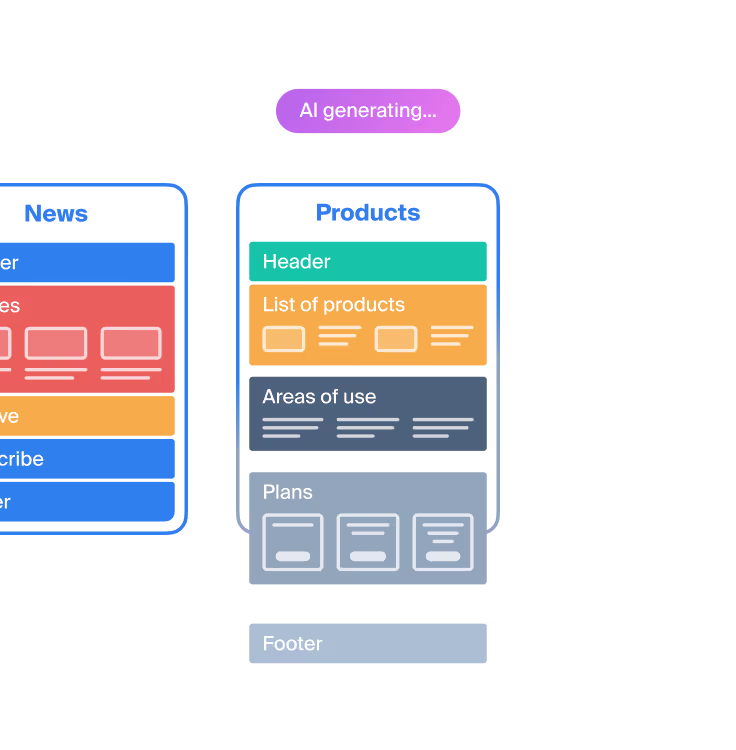
Use the power of AI to enhance your creativity and greatly speed up your work.
Symbols
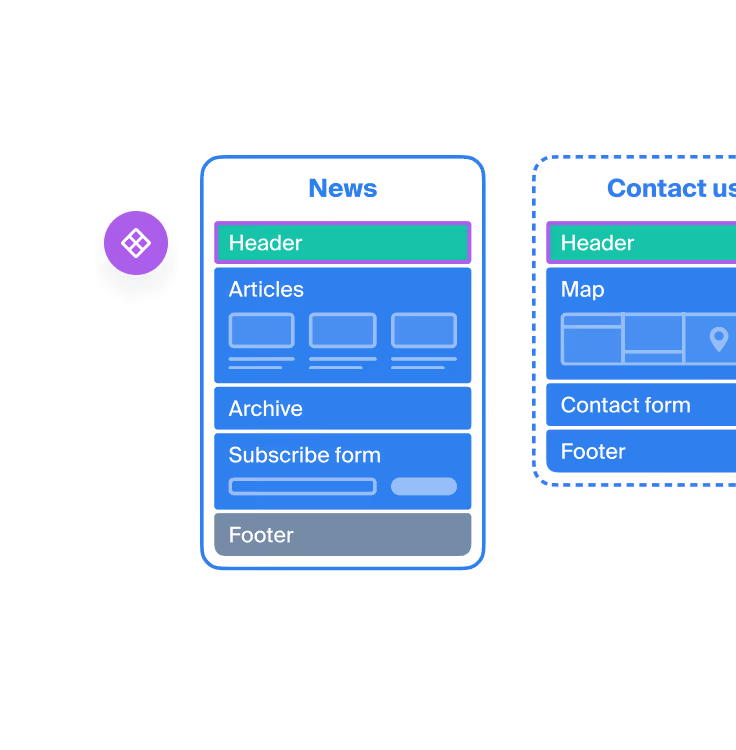
Use global components across the sitemap and manage them from one place.
Tags & filter
Mark progress or different domains in your project. Use tag filter to focus on what's important.
Attachments
Place files on the artboard to manage everything pertaining to your project in one place.
HELP