September 15, 2026
Feature
Feature
Feature
Google Analytics on your sitemap
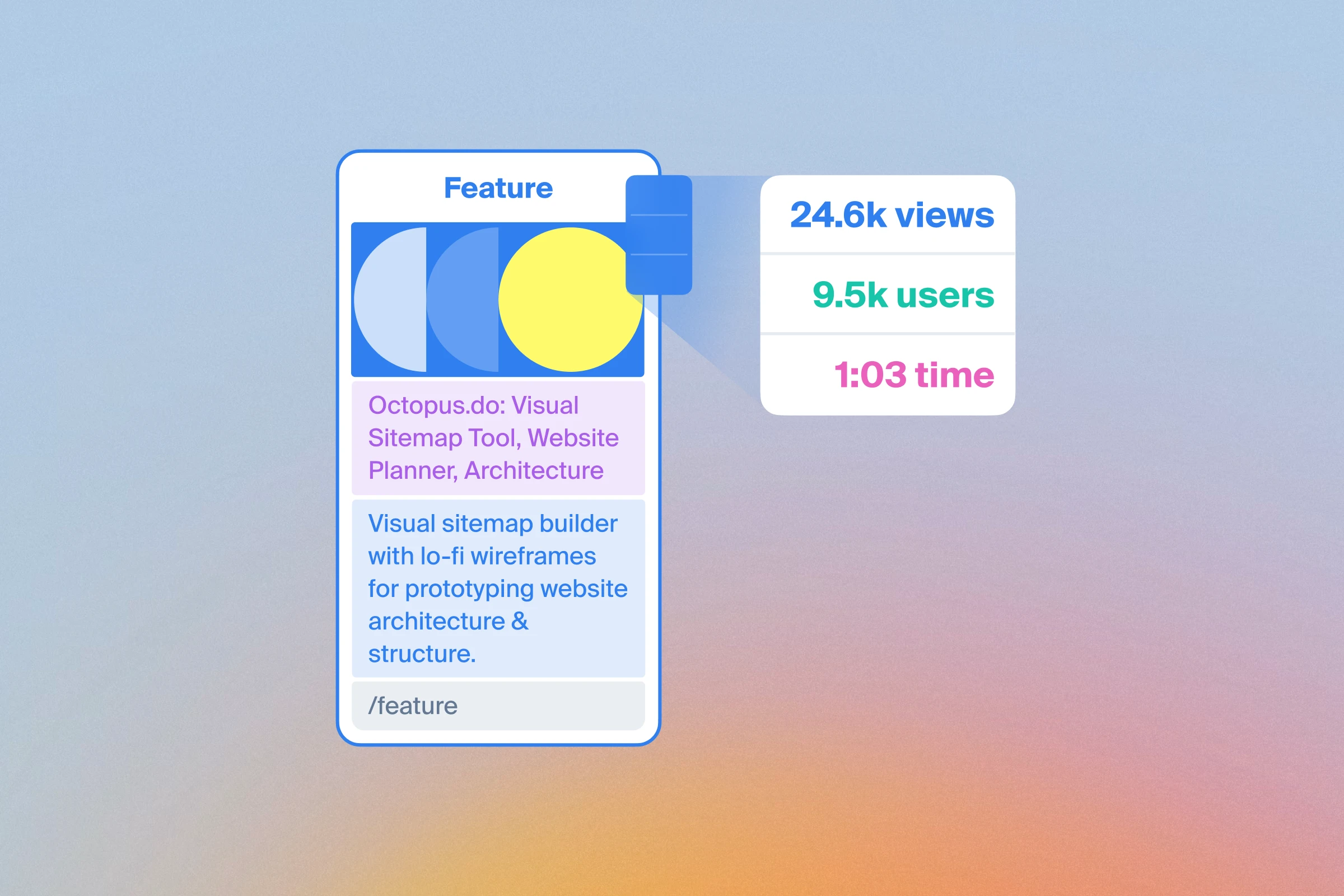
See how your pages perform, right where you plan them
Connect a Google Analytics 4 property to your Octopus project and see page views, users and average engagement time per user beside each page in SEO mode. Metrics cover the last 30 days and are matched using the page URLs in your sitemap.
Use traffic and engagement data to help decide which pages to keep, improve or reorganize when planning a website redesign.
To get started, open SEO mode → Google Analytics, connect your Google account and choose a property. The project owner sets up the connection. Use Resync now to refresh the data when you need it.
Available on Pro and Team plans.
For step-by-step instructions, read our Google Analytics integration guide.